Kendryte SDK/Toolchain setup
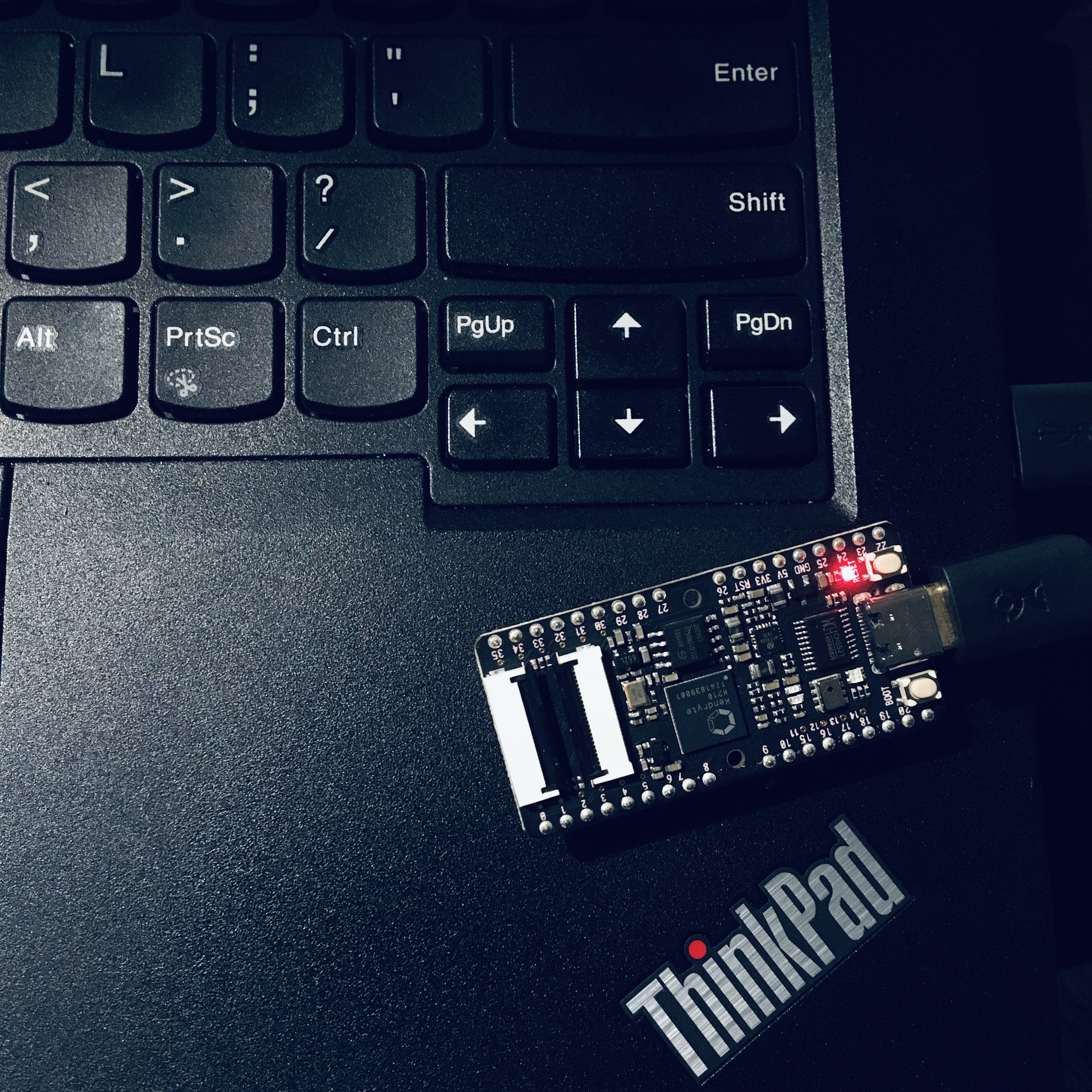
These are my notes on getting the standalone SDK and toolchain built for the Sipeed MAix BiT.
Toolchain
First, install the depdencies:
- autoconf
- automake
- autotools-dev
- bc
- bison
- build-essential
- curl
- flex
- gawk
- gperf
- libexpat-dev
- libgmp-dev
- libmpc-dev
- libmpfr-dev
- libtool
- patchutils
- texinfo
- zlib1g-dev
On Debian:
sudo apt-get install autoconf automake autotools-dev curl libmpc-dev      \
     libmpfr-dev libgmp-dev gawk build-essential bison flex texinfo gperf \
     libtool patchutils bc zlib1g-dev libexpat-dev
Clone the repo:
git clone --recursive https://github.com/kendryte/kendryte-gnu-toolchain
Note that the toolchains this pulls done are large downloads and will take a while to pull down.
Next, set up /opt/kendryte-toolchain:
sudo mkdir /opt/kendryte-toolchain && sudo chown -R kyle:kyle /opt/kendryte-toolchain
Build and go make a pot of coffee and ride bikes or something (this takes a uint64_t time):
cd kendryte-gnu-toolchain/riscv-gcc &&  ./contrib/download_prerequisites && \
cd .. && ./configure --prefix=/opt/kendryte-toolchain --with-cmodel=medany \
--with-arch=rv64imafc --with-abi=lp64f && make -j8
Clone the standalone SDK and build the hello_world project:
cd .. && git clone https://github.com/kendryte/kendryte-standalone-sdk && \
cd kendryte-standalone-sdk && mkdir build && cd build && \
cmake .. -DPROJ=hello_world -DTOOLCHAIN=/opt/kendryte-toolchain/bin && make
Now to flash the image, install the flash tool:
cd .. && git clone https://github.com/sipeed/kflash.py && \
cd kflash.py && pip3 install --user .
Go back to the standalone SDK directory and flash the image:
cd ../kendryte-standalone-sdk/build && \
kflash -B maixduino -S SLOW -p /dev/ttyUSB0 hello_world.bin
NOTE: there's board options for the bit and the bit_mic - but for some reason it's detected as maixduino. Yeah, well, you know, that's just like your opinion, man.

Onwards and upwards...